Last updated June 9, 2026
K2 Climbing Simulator Controls Guide
Controls are the first thing to stabilize before you chase a long climb in K2 Roblox. Use this page as a pre-run checklist for movement, camera control, rhythm, and recovery.
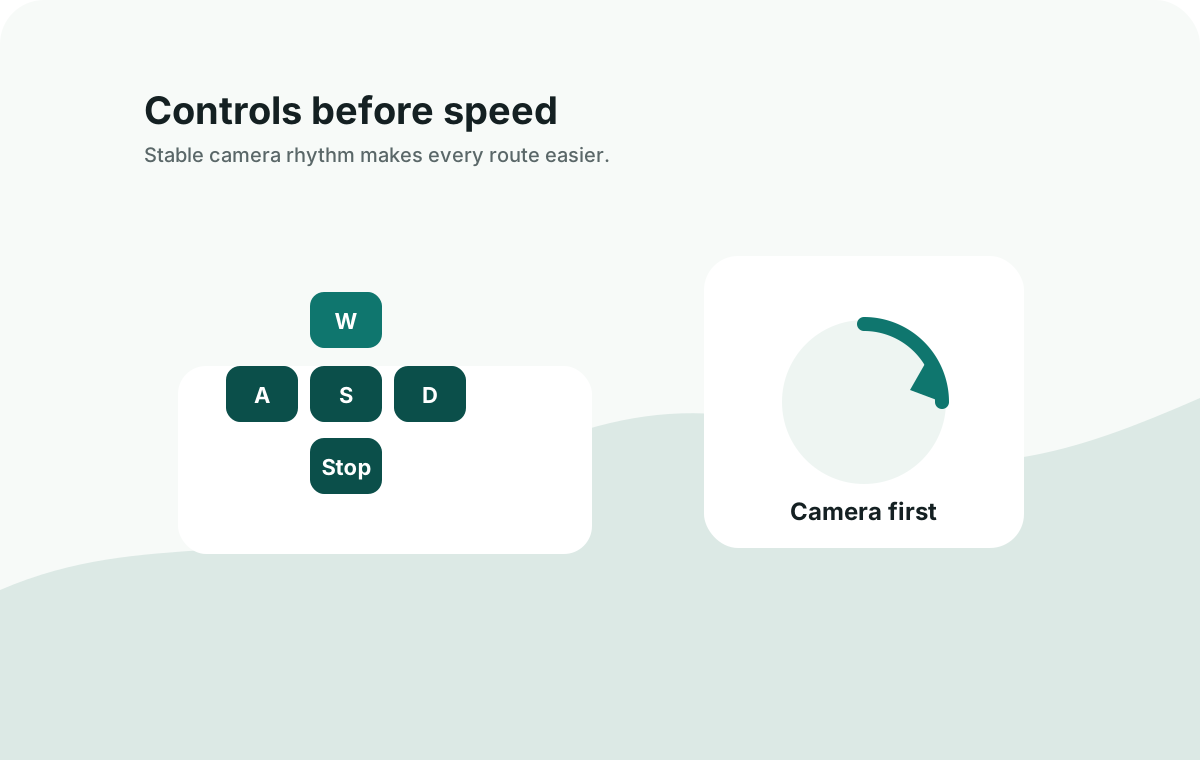
Control Priorities
| Priority | What To Practice | Why It Helps |
|---|---|---|
| 1 | Camera movement | Seeing the next hold or path is often more important than moving fast. |
| 2 | Short climbing bursts | Short segments make mistakes easier to recover from. |
| 3 | Stopping safely | You need a reset habit before oxygen or weather pressure rises. |
| 4 | Repeating one route segment | Repetition reveals which movement pattern actually works. |
Beginner Setup
Before a serious climb, spend a few minutes testing movement near the start. Turn the camera, move in short bursts, stop, and recover. If the early movement feels chaotic, the later route will be harder than it needs to be.
For most new players, the goal is not to memorize every input. The goal is to make each input smaller and more deliberate. A clean K2 Climbing Simulator run usually comes from camera control first, movement second, and speed only after the path is clear.
Desktop Control Routine
Use a simple desktop routine before trying a long summit attempt. Face the next marker, move only as far as you can still correct, then stop long enough to rebuild the camera angle. This prevents the common beginner chain where one awkward step creates two more mistakes.
| Moment | Control Habit | Failure It Prevents |
|---|---|---|
| Before moving | Rotate the camera until the next ledge, marker, or safe line is visible. | Walking forward while blind to the next turn. |
| During a climb | Use short inputs and release movement once your character is stable. | Overshooting a narrow route section. |
| After a slip | Stop pressing forward, reset the camera, then return to the last stable point. | Turning one slip into a full failed run. |
| Before a camp push | Check oxygen, route direction, and whether your next pause is obvious. | Entering a pressure section without a recovery plan. |
Practice Drills
| Drill | How To Practice | Ready Signal |
|---|---|---|
| Stop safely | Move a short distance, stop, and recover the camera before moving again | You can pause without panic inputs |
| Camera before movement | Point the view toward the next surface before pressing forward | You see the next marker before committing |
| Short sprint only on safe ground | Use faster movement only when the line is clear and flat enough to recover | Speed does not cause a second mistake |
| Recover after a slip | Stop, turn the camera, and return to the last marker instead of mashing movement | The slip becomes a reset, not a failed run |
Common Control Mistakes
- Trying to climb while the camera is pointed at the wrong angle.
- Holding movement too long instead of using shorter corrections.
- Panicking after a slip and making a second mistake immediately.
- Changing route before learning one repeatable path.
Route Control Checklist
Run this quick check when a climb keeps failing in the same place. If the answer is no, fix that part of the control loop before changing gear or route strategy.
- Can you stop safely at the marker before the difficult section?
- Can you turn the camera without losing your character position?
- Can you repeat the same route segment three times without rushing?
- Do you know where to pause if oxygen pressure rises?
- Do you recover after a mistake before pressing forward again?
When Controls Are Not The Real Problem
If movement feels stable but the run still collapses, move to the next system. Route confusion belongs in the route guide, oxygen pressure belongs in the oxygen guide, and repeated damage belongs in the healing guide. Separating these problems keeps you from blaming controls for every failed climb.