Last checked June 9, 2026
K2 Climbing Simulator Codes June 2026
This page tracks K2 Climbing Simulator codes for Roblox players searching K2 Roblox codes, K2 Climbing Simulation codes, K2 redeem code, and K2 code. Codes are split into externally reported status and direct in-game test status so you can see what has been checked and what still needs a Roblox redemption test.
WEARESOBACK, 10KLIKES, and Beta first. WEARESOBACK is the important June recovery code reported after the game came back online; 500K and D1 remain likely expired or conflicting until a fresh direct in-game test confirms otherwise.
What To Do With Points
Competitor code pages connect rewards to the next gameplay decision. If a code gives Points, do not spend them blindly; use them to reduce the failure that is ending your runs.
| After Redeeming | Use Points For | Next Guide |
|---|---|---|
| You do not know where the code box is | Fix redemption first, then return to the active list. | Redeem codes |
| You keep failing from oxygen or damage | Prioritize practical survival upgrades before cosmetic choices. | Gear guide |
| You are new to the route | Learn the first climb loop before deciding what item matters. | Beginner guide |
Externally Reported Active K2 Codes
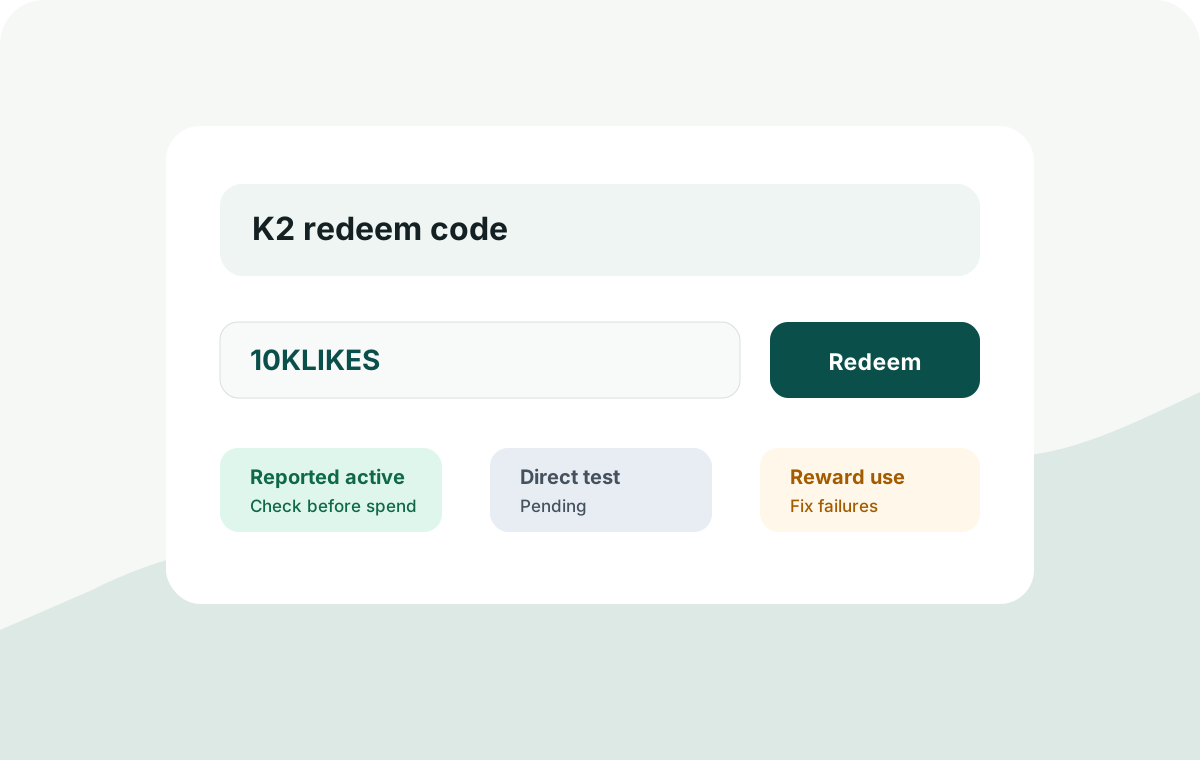
These are the codes currently reported as working by fresh June 2026 and late-May coverage. This site still separates external reports from direct Roblox redemption tests.
| Code | Status | Reward | Direct test | Notes | Copy |
|---|---|---|---|---|---|
WEARESOBACK |
Reported active | Reported reward | Pending | Post-review recovery code reported after K2 came back online in early June | |
10KLIKES |
Reported active | 50 Points | Pending | Reported active in late-May coverage; test after the June recovery code if you are checking codes now | |
Beta |
Reported active | 50 Points | Pending | Still reported active by late-May checks; enter exactly as shown |
Conflicting Or Likely Expired Reports
These codes appeared in earlier K2 Climbing code lists, but newer reports no longer agree that they work. Treat them as expired or uncertain until a direct in-game test says otherwise.
| Code | Status | Reward | Notes |
|---|---|---|---|
500K |
Likely expired | Previously reported 50 Points | Earlier watchlist code; newer May 26 external lists conflict with the old working status |
D1 |
Likely expired | Previously reported 50 Points | Earlier watchlist code; test only after trying the current active reports |
External Reports Conflict Matrix
Large code pages do not always update at the same time. Use this matrix to see why this page separates fresh external reports from direct in-game testing instead of copying one list blindly.
| Code | Fresh June / late-May reports | Older or alternate reports | How this page treats it |
|---|---|---|---|
WEARESOBACK |
Reported after the game came back online in early June | Missing from older May-only lists | Reported active, direct test pending |
10KLIKES |
Reported active by late-May code coverage | Missing from some earlier May lists | Reported active, direct test pending |
Beta / BETA |
Still reported active by late-May coverage | Also appears on older code pages, sometimes with different casing | Reported active, enter exactly as shown first |
500K |
Listed as expired by late-May coverage | Still appears as active on some older or slower-updated pages | Likely expired until direct testing says otherwise |
D1 |
Listed as expired by late-May coverage | Still appears as active on some older or alternate pages | Likely expired until direct testing says otherwise |
10MVISIT |
Reported by at least one newer code page, but not consistently across fresh lists | Not present consistently in the late-May and early-June lists this page is using as the current baseline | Candidate, do not mark working before direct test or stronger agreement |
Code Status History
This table keeps the verification trail visible. It is designed to show when a code moved from candidate, to reported active, to expired or directly verified.
| Code | Current status | Reward | Last checked | Notes |
|---|---|---|---|---|
WEARESOBACK |
Reported active | Reported reward | June 9, 2026 | Added as the post-review recovery code; direct site redemption still pending |
10KLIKES |
Reported active | 50 Points | Late May 2026 | External report; direct site redemption still pending |
Beta |
Reported active | 50 Points | Late May 2026 | Reported active across late-May checks |
500K |
Likely expired | Previously reported 50 Points | Late May 2026 | Moved out of the active table because newer reports conflict with the earlier watchlist |
D1 |
Likely expired | Previously reported 50 Points | Late May 2026 | Moved out of the active table because newer reports conflict with the earlier watchlist |
10MVISIT |
Candidate | Reported Points | May 27, 2026 | Seen in external code coverage but not consistently reported; direct redemption pending before active placement |
K2 Redeem Code: How To Redeem K2 Climbing Simulation Codes
For a dedicated step-by-step redemption page and code-not-working fixes, use the K2 redeem code guide.
- Open K2 Climbing Simulation on Roblox.
- On the main menu or in-game UI, look for the gift box, codes, rewards, shop, or settings button.
- Paste one code exactly as shown.
- Submit the code with the claim, redeem, enter, or magnifying-glass button shown in your game UI.
- If it works, record the reward and check date before trying the next code.
Why A K2 Code May Not Work
If a K2 redeem code fails, do not assume the whole code list is fake. Most failures come from one of these cases:
- The code expired after a game update or milestone event.
- The code was typed with the wrong case, extra space, or missing number.
- The code was already redeemed on your Roblox account.
- The game temporarily changed the redemption menu or disabled code entry.
- The code came from a page that copied an old list without retesting it.
Why Big Code Pages Disagree
K2 Climbing Simulation codes can change faster than Google updates every guide. When code pages disagree, check the date, the exact casing, and whether the page says it redeemed the code directly.
| Reason | What It Looks Like | What To Do |
|---|---|---|
| Update delay | Older pages still list codes that fresh pages moved to expired | Try the freshest reported-active codes first |
| Case or spelling mismatch | Beta and BETA appear on different pages |
Paste the exact code from the current table, then try the common casing variant only if needed |
| Already redeemed | A code is active for another player but rejected for your account | Check whether you claimed it earlier before marking it expired |
| Server or game-version mismatch | A code works shortly after an update but fails later | Record the test time and wait for a fresh direct check |
Expired K2 Climbing Simulation Codes
500K and D1 are treated as likely expired because newer reports conflict with the earlier working-code watchlist. When this site directly redeems a code and receives a rejection, the row will be marked as directly tested expired with the failed check date.
K2 Climbing Simulation Or K2 Climbing Simulator?
Players search for both names. Roblox currently presents the experience as K2 Climbing Simulator, while many code pages and older searches still use K2 Climbing Simulation. Searches like K2 Climbing Simulator codes, K2 Roblox codes, Roblox K2 codes, and climbing simulator codes are usually looking for the same Roblox experience.
Where We Check New Codes
Large Roblox code pages can publish fast, but this site keeps a separate verification layer. New candidates are checked against game updates, Roblox community posts, creator videos, Discord-style announcements when available, and direct in-game redemption whenever possible. We separate directly tested codes from externally reported codes.
How This Codes Page Is Updated
- Codes found in creator videos or fresh code pages are labeled reported active until directly tested.
- A code is marked site-verified only after a direct in-game redemption test by this site.
- Working-code rows include the reward and the last successful check date.
- Expired, rejected, or conflicting codes are moved out of the active section.
Update Log
| Date | Update |
|---|---|
| 2026-06-09 | Moved the page to June 2026, added WEARESOBACK as a reported post-review recovery code, and updated the status context now that K2 is playable again. |
| 2026-05-26 | Updated the active table to 10KLIKES and Beta as externally reported active, moved 500K and D1 into likely expired/conflicting status, and added Code Status History. |
| 2026-05-25 | Added 10KLIKES to the reported-code watchlist after newer external coverage; direct Roblox redemption still pending. |
| 2026-05-22 | Updated 500K, Beta, and D1 from unverified candidates to reported working based on recent YouTube creator videos. Direct in-game verification is still pending. |
| 2026-05-22 | Tracker published with a separate unverified-code queue and manual-check policy. |