Last checked May 29, 2026
K2 Redeem Code Guide
Use this K2 redeem code guide when you need to redeem K2 Roblox codes, fix code-not-working errors, or check the latest K2 Climbing Simulation code status before spending rewards.
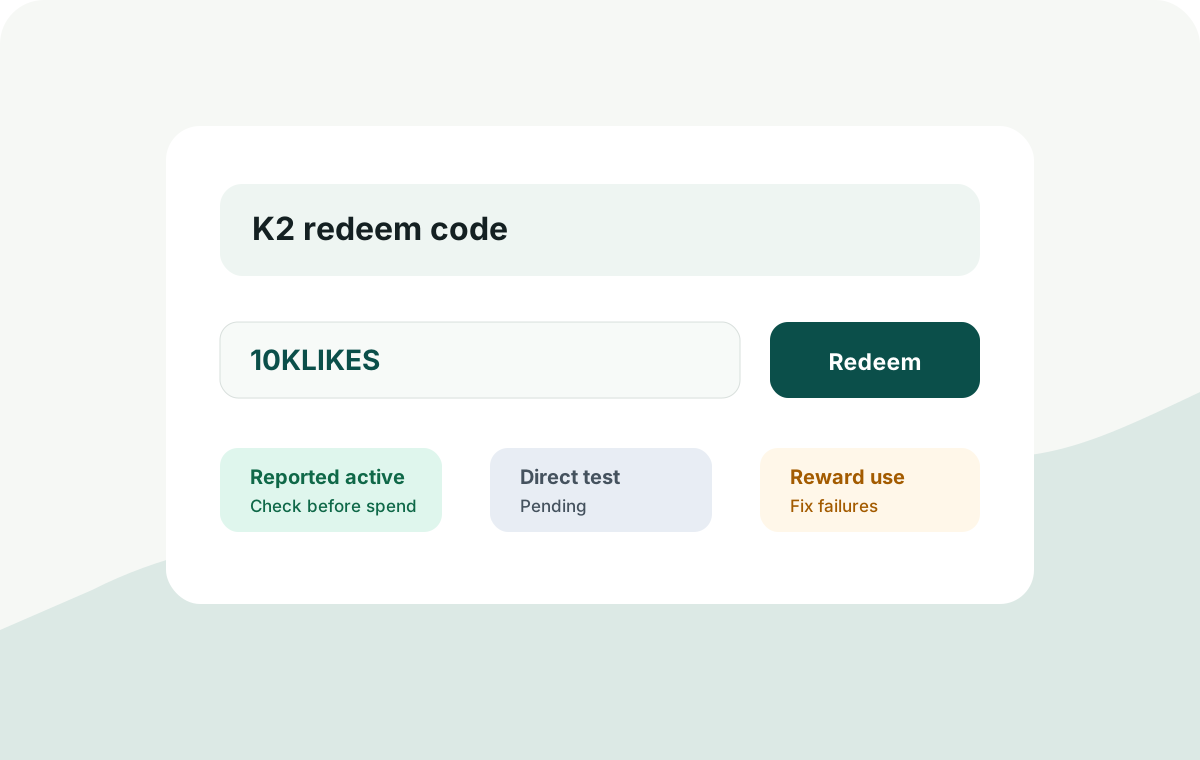
K2 Redeem Code Steps
- Open K2 Climbing Simulation on Roblox.
- Look for the gift, rewards, codes, shop, or settings button in the current UI.
- Copy the code exactly, including capitalization when shown.
- Paste or type the code into the code box.
- Submit once and wait for the success or error message.
- Check whether points, cash, or other rewards changed before trying another code.
Current Code Status
This page explains redemption. The current code list lives on the main K2 codes tracker so stale codes do not spread across multiple pages.
| Need | Best Page | Why |
|---|---|---|
| Active K2 Climbing Simulation codes | Codes tracker | Single source for reported-active, likely expired, candidate, and test-pending codes |
| Why a K2 code does not work | This page | Troubleshooting steps are stable even when code status changes |
| What to buy with rewards | Gear guide | Rewards should fix the failure point ending your climb |
Why A K2 Code May Not Work
| Problem | Likely Cause | Fix |
|---|---|---|
| Invalid code message | The code expired, was typed wrong, or is only reported by an outdated source | Copy from the current codes page and try exact casing |
| No reward appears | The code may have already been redeemed or the UI did not update instantly | Check your balance, rejoin if needed, and do not spam-submit the same code |
| Code button is missing | The developer may have moved the redemption UI after an update | Check the main menu, shop, rewards, settings, and official Roblox game notes |
| Different sites disagree | Code pages update at different speeds | Prefer fresh reports and direct in-game testing over copied lists |
Code Source Priority
Not every K2 Roblox code list has the same reliability. Use this order before trusting a code:
- Direct in-game redemption test in the current game version.
- Official game, developer, Roblox group, or Discord announcement.
- Multiple fresh code pages agreeing on the same active status.
- Older pages or copied lists only as candidates, not proof.
After Redeeming Rewards
Do not spend rewards immediately just because you have them. Check what keeps ending your climb first: controls, oxygen, route confusion, healing pressure, or gear weakness.
If you are not sure, run one short route segment and use the failure point to choose the upgrade. The gear guide explains that decision path.
FAQ
Where do I redeem K2 codes?
Look inside the current K2 Climbing Simulation UI for a codes, rewards, gift, shop, or settings button. The exact location can change if the developer updates the interface.
Are K2 Climbing Simulator codes the same as K2 Climbing Simulation codes?
Usually these searches refer to the same Roblox game intent. Use the main codes tracker and enter codes exactly as shown there.
Should I trust every K2 code list?
No. Code sites can copy old lists. Treat any code as reported until it is directly tested in the current Roblox game version or confirmed by a reliable official source.
Next Guides
Check current codes first, then use rewards to solve the failure point that actually ends your climb.